Cloudflare Containers + SWE-ReX
Table of Contents
Introduction
SWE-agent Remote Execution Framework (SWE-ReX) is an interface for interacting with a sandboxed shell environment allowing your agent to run commands. Let's run it with Cloudflare Containers!
Cloudflare Containers
Deploy your container image to Region:Earth without worrying about managing infrastructure - just define your Worker and
wrangler deploy.
Each container instance runs swerex-remote in a Cloudflare Container and is addressable by its instance ID.
The Dockerfile for the container is pretty straight-forward. Use pip to install swerex-remote and expose the port for swerex-remote, in this case 8080 and set that as the entrypoint.
FROM python:3.11-slim

# Install swe-rex (provides swerex-remote executable)
RUN pip install --no-cache-dir swe-rex

# Verify installation
RUN swerex-remote --version

# Container listens on port 8080 (CF Containers default)
EXPOSE 8080

# Auth token is injected via SWEREX_AUTH_TOKEN env var by the Durable Object.
ENTRYPOINT ["sh", "-c", "swerex-remote --port 8080 --auth-token $SWEREX_AUTH_TOKEN"]
Cloudflare Worker
A simple Cloudflare Worker sits in front of the containers and exposes the routes swerex expects. Definition of the worker can be found here
The Worker manages the container lifecycle via a Durable Object — each POST /start spins up a fresh container with a unique auth token, and all subsequent commands are proxied through it.
Routes
| Method | Path | Description |
|---|---|---|
POST |
/start |
Start a new container. Body: { auth_token } Returns { instance_id } |
DELETE |
/stop/:id |
Stop a container |
* |
/:id/* |
Proxy to swerex-remote on the container |
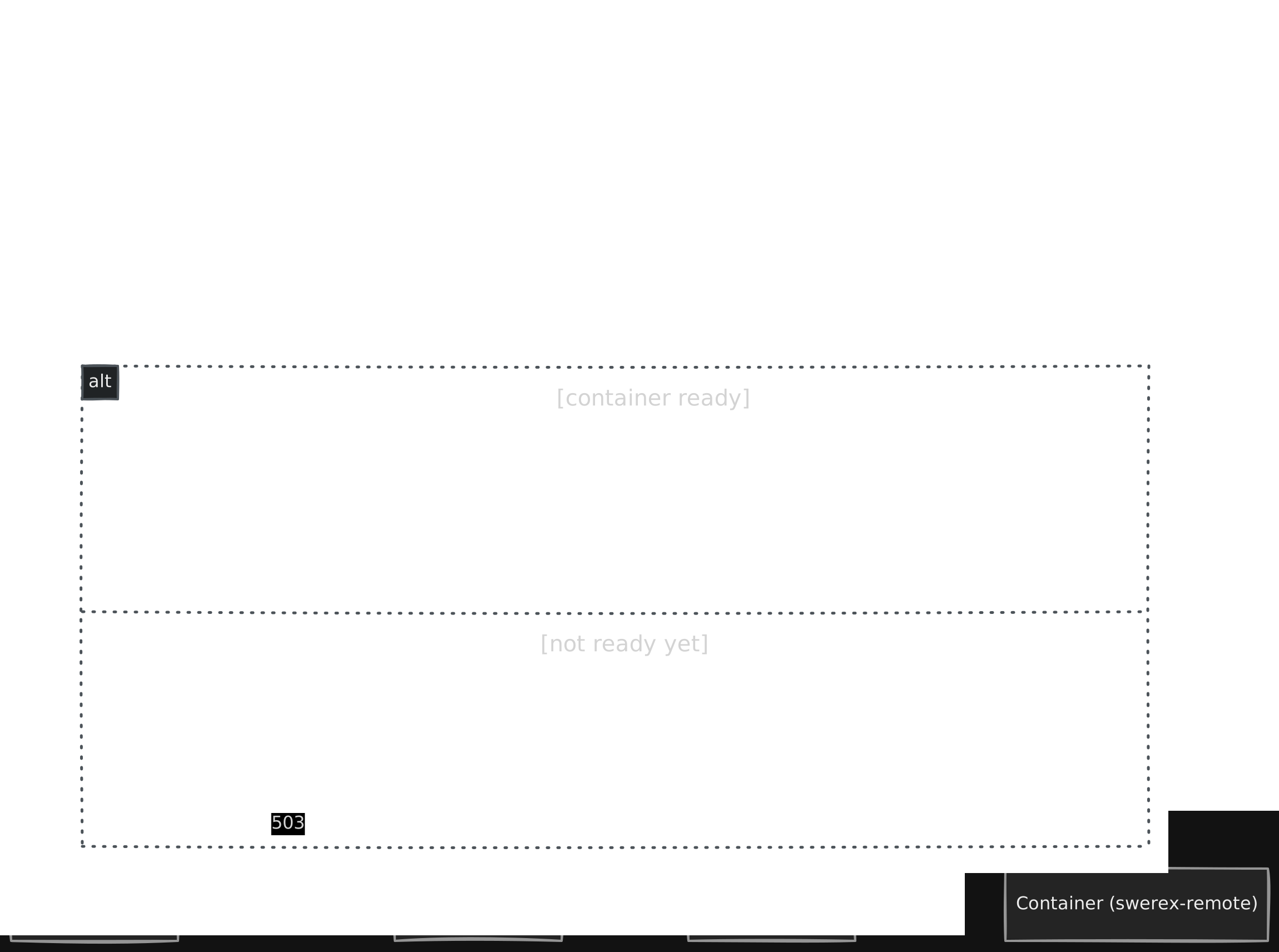
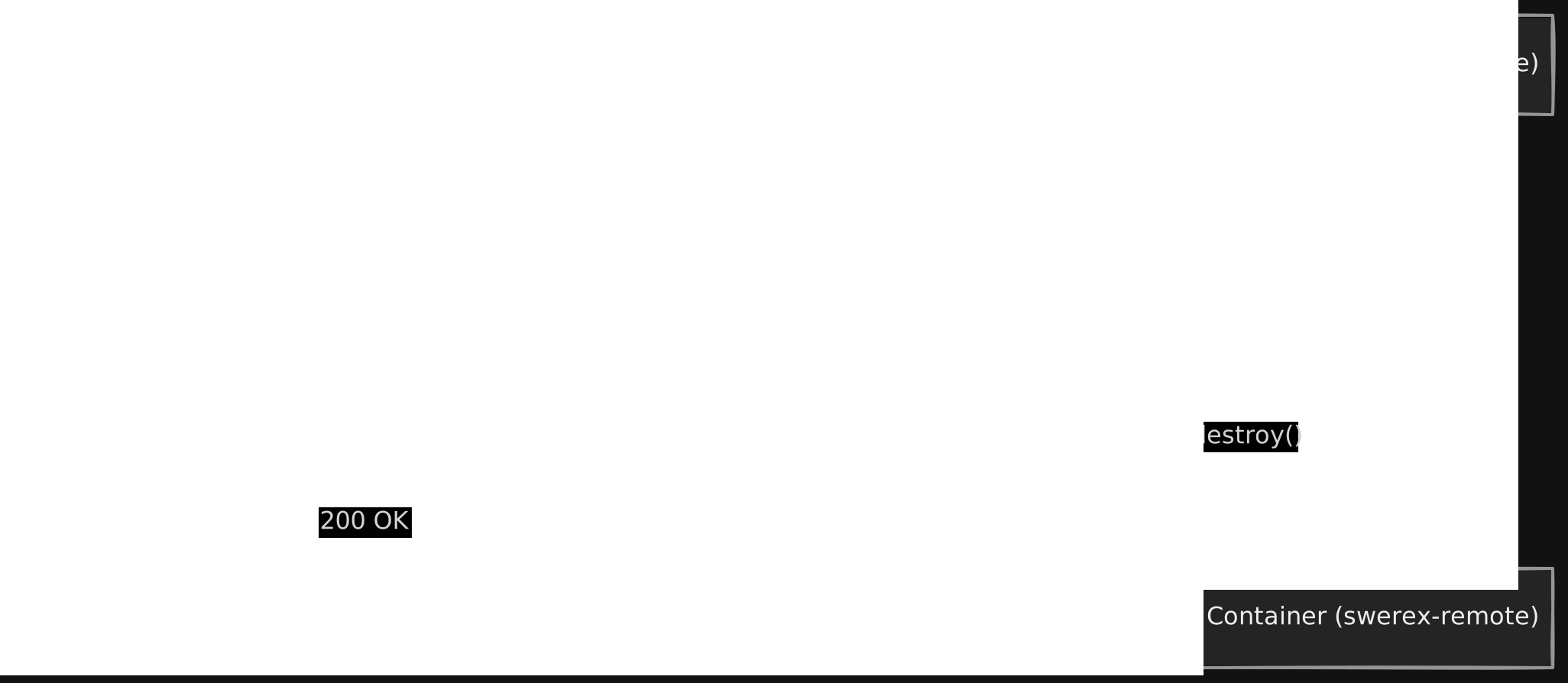
Request Flow
1. Starting a container instance

2. Proxying command to swerex-remote
3. Stopping and destroying a container instance
SWE-ReX
SWE-ReX already had a RemoteRuntime abstraction for communicating with a running swerex-remote server. Adding Cloudflare support was mostly a matter of writing the lifecycle layer — start() and stop() — that provisions a container and hands off a proxy URL to RemoteRuntime.
Start CF container in SWE-ReX
  # start(): generate token, POST /start, hand off to RemoteRuntime
  auth_token = str(uuid.uuid4())
  data = await resp.json()
  self._instance_id = data["instance_id"]

  proxy_url = f"{self._config.worker_url}/{self._instance_id}"
  self._runtime = RemoteRuntime(host=proxy_url, auth_token=auth_token)
  await _wait_until_alive(self._runtime.is_alive, timeout=self._config.startup_timeout)
Stop CF Container Deployment in SWE-ReX
    async def stop(self):
        """Close the runtime and stop the container instance."""
        if self._runtime is not None:
            try:
                await self._runtime.close()
            except Exception:
                self.logger.warning("Failed to close runtime gracefully", exc_info=True)
            self._runtime = None

        if self._instance_id is not None:
            try:
                async with aiohttp.ClientSession() as session:
                    async with session.delete(
                        f"{self._config.worker_url}/stop/{self._instance_id}",
                        headers=self._management_headers,
                        timeout=aiohttp.ClientTimeout(total=15),
                    ) as resp:
                        resp.raise_for_status()
            except Exception:
                self.logger.warning(
                    f"Failed to stop container {self._instance_id}",
                    exc_info=True,
                )
            self._instance_id = None
Try it out!
The Cloudflare deployment backend is available on the ad/cloudflare-deployment branch.
First, deploy the CF Worker:
  git clone https://github.com/ashishdatta/cf-swerex-container
  cd cf-swerex-container
  wrangler deploy
Using it in SWE-ReX
import asyncio
from swerex.deployment.config import CloudflareDeploymentConfig
from swerex.runtime.abstract import CreateBashSessionRequest, BashAction, CloseBashSessionRequest

async def main():
  config = CloudflareDeploymentConfig(worker_url="https://swerex-cf-container.ashishbdatta.workers.dev")
  d = config.get_deployment()
  await d.start()
  rt = d.runtime
  await rt.create_session(CreateBashSessionRequest())
  obs = await rt.run_in_session(BashAction(command="python --version"))
  print(obs.output)
  await rt.close_session(CloseBashSessionRequest())
  await d.stop()

asyncio.run(main())